
Best digital menu board for fish and chip shops UK (2026)
There is no one board that suits every chip shop. There is a list of things a chip shop board has to do, and you can check any product against it. Here is that list, and then how Counterboard does against it. We make Counterboard, so try it free on your own menu and judge for yourself.
One screen free, no card. Works on any screen with a web browser, or any screen with an HDMI socket and a streaming stick.
What best means
What a chip shop board has to do
What shops try first
Three common starting points
A printed lightbox
Bright and simple, but every price change is a reprint or a sticker. See Counterboard or a light-box menu board.
A design on a USB stick
Made in a free design tool and played on the screen from a stick. Every change is the design again and a walk to the screen. See Canva or Counterboard.
A signage company
They design the board and put it up. Every change after that means asking them, waiting, and often paying again.
The checklist
Nine things to check in 2026
- Big pricesReadable from where the queue starts.
- A meal deals panelDeals in a block of their own, not lost in a list.
- Room for specials or gluten free linesA strip or panel you can add and take off.
- Price changes from a phoneBehind the counter, not on a computer in the back.
- The board stays up if the wifi dropsThe screen should keep the last board, not go blank.
- Works on a Fire Stick or a smart screenThe screen you already have, with no special screen.
- A printed menu from the same listSo the paper menu on the counter matches the wall.
- A clear monthly costOne price a screen that you can check by counting your screens.
- No long contractMonthly, and cancel when you like.
How Counterboard does
Counterboard against the list
You are the designer. You say what you want in your own words: the colours, your name across the top, what goes where. AI designs the finished board in about two minutes. Not quite right? Say what to change and it is drawn again. There is no design software to learn, and nobody else trying to guess what is in your head.
- Big pricesYou say how the board should look in your own words, and AI draws it. Ask for big prices and they are drawn big.
- A meal deals panelEach heading on your list gets a panel of its own, so a family deal has room to be read.
- Specials or gluten free linesPut them on your list as their own heading and they get their own panel. Take them off from your phone when they end.
- Price changes from a phoneYes. Type the new price, check the new board, send it to the screen. A price change is one credit (£1).
- The board stays up if the wifi dropsYes. The screen holds the whole board and keeps showing it. New prices arrive when the connection comes back.
- Works on a Fire Stick or a smart screenYes. The free Counterboard app is in the Fire TV store, and a smart screen opens the board in its own browser.
- A printed menu from the same listYes. Every board has a Printed menu button: the same items and prices as an A4 or A5 counter menu.
- A clear monthly costOne screen free, for as long as you like, with a small counterboard.com band on the board. Without the band £14 a month for one screen, and £7 for each screen after it. No VAT charged.
- No long contractNone. It is monthly, and you can cancel any time from inside Counterboard.
Setting up
A typical chip shop set-up
One screen above the counter for the main menu. A second screen for specials and meal deals, if you want one. If a screen is not a smart screen, plug a Fire TV Stick into its HDMI socket, search the Fire TV for counterboard, press Get, and type the six letters it shows into Your screens on your phone. The Fire TV Stick guide has every step, and Fire Stick menu board for takeaways covers the jobs a takeaway does on it.
What to put on it
What goes on a chip shop board
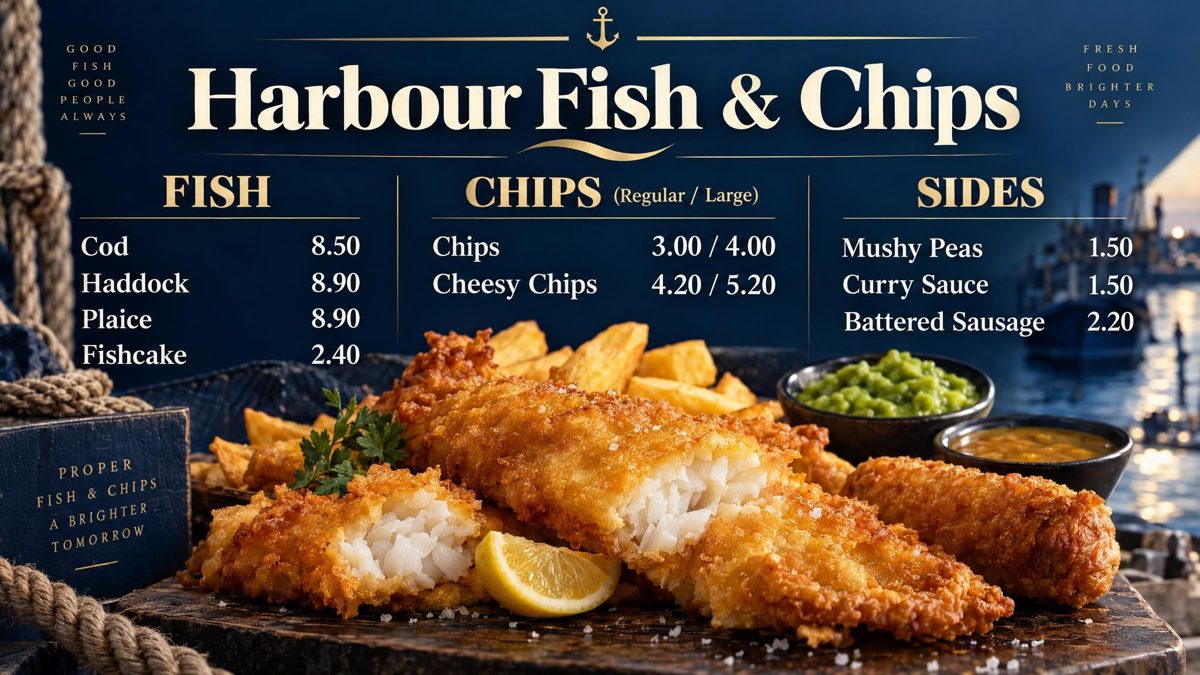
Best sellers first, top left. Cod and chips clear. Sizes side by side, regular and large, with a price under each. Meal deals in a panel of their own. Four sections at most. There are more ideas in takeaway menu board ideas, and boards drawn for chip shops on the fish and chip shops page.
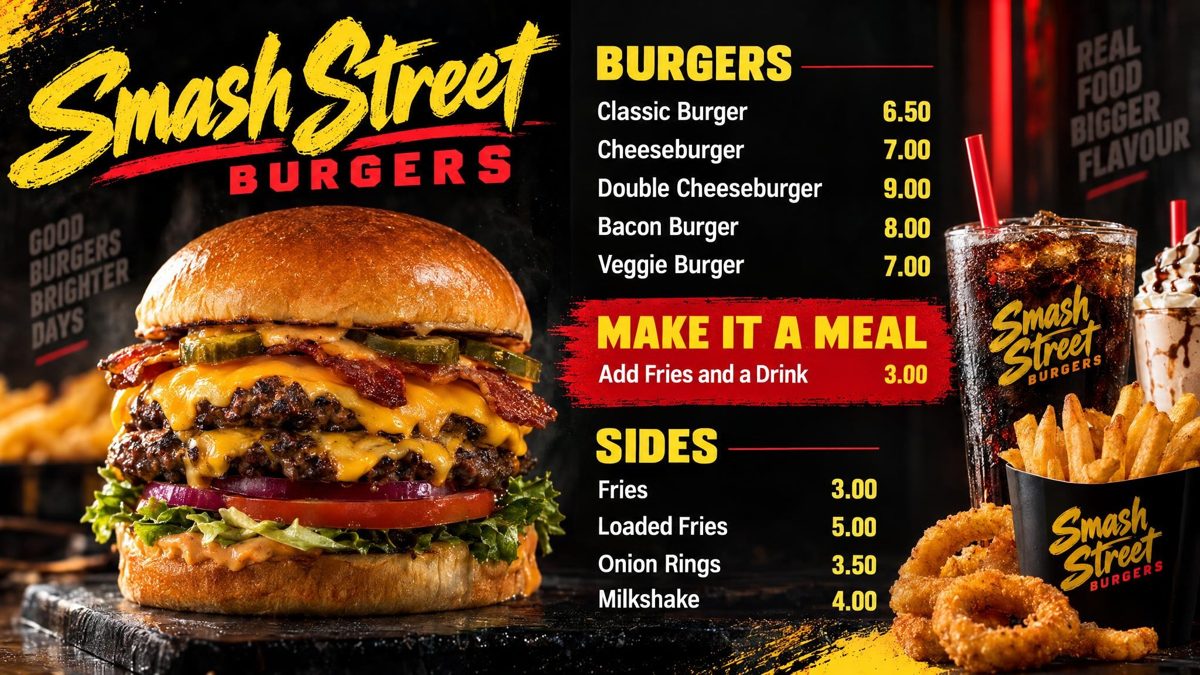
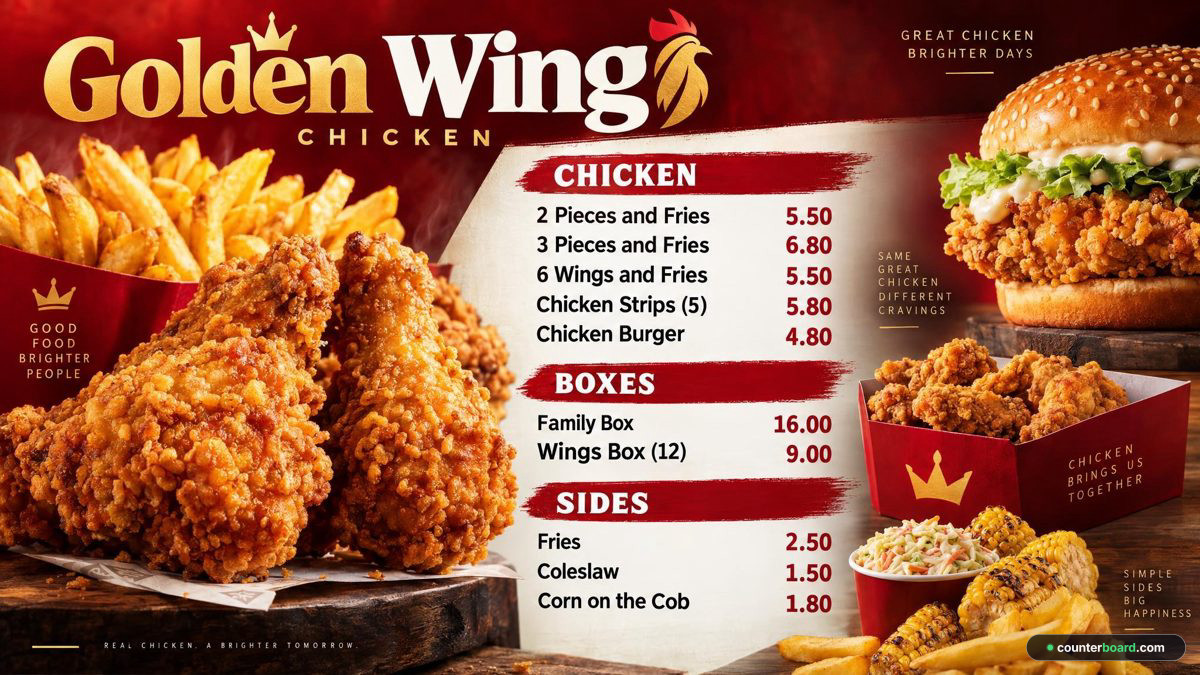
Example boards, drawn by Counterboard AI from a few words and a price list. The shops on them are made up.
What it costs
One screen, and two
One screen, free
One screen free, for as long as you like, with a small counterboard.com band on the board, and no card. The board for it is drawn free. A price change is one credit (£1), paid as you go.
One screen, paid
£14 a month. That brings the band off, the loyalty card, and emails to your customers, with credits included every month.
Two screens
£21 a month for two screens: £14 for screen one and £7 for screen two. Each screen can show the same board or a different one.
Who it is not for
When to look elsewhere
What it costs
Priced by how many screens you put up
One screen free, for as long as you like, with a small counterboard.com band on the board, and no card. Without the band, so much a screen: £14 a month for one screen, and £7 for each screen after it. No VAT charged. The price list on the front page shows it in dollars and euros too.
Every screen gets the same dashboard and the same boards; what changes with the price is how many screens you put up and how many credits come with them. Each screen gets a board drawn for it, free. After that everything we draw is credits, and a credit is a pound: a price change is one, a new look or an item added, taken off or renamed is two, a whole new board is three. Each paid screen includes two credits a month, and they start again on the 1st; more can be bought inside Counterboard, ten for £9 or more in a bigger pack, with no change to your plan. No contract: cancel any time.
Questions
What people ask
What is the best digital menu board for a fish and chip shop in the UK?
The one that meets the checklist on this page for your shop: big prices, phone price changes, a board that stays up if the wifi drops, any screen, a printed menu from the same list, and a clear monthly cost with no contract. Counterboard meets that list with one screen free. Draw a chip shop board free on the front page and judge it yourself.
Can I update chip shop prices from my phone?
Yes. Type the new price, check the new board and send it to the screen. A price change is one credit, which is £1, however many prices move at once.
Does it work on a Fire Stick?
Yes. Search the Fire TV for counterboard and press Get: the app is free. Use a Fire TV Stick 4K or 4K Max that says Fire OS on the box. Sticks that say Vega OS will not run it.
How much does Counterboard cost for one screen?
One screen is free for as long as you like, with a small counterboard.com band on the board and no card. Without the band it is £14 a month. No VAT charged.
Can I show specials on a second screen?
Yes. Each screen can show the same board or a different one. Two screens is £21 a month.
Will the board stay up if the wifi drops?
Yes. The screen holds the whole board and keeps showing it. New prices arrive when the connection comes back.
More guides
Other questions shop owners ask
How to put your menu on a TV or screenFire TV Stick menu board: how to set one upChange your TV or screen menu from your phoneSalon and barber price list on a TV or screenA digital menu board without a designer: what each way costsHow to make a digital menu board for freeA free QR code menu for your takeaway or cafeTakeaway menu board ideas that sell moreCanva or Counterboard for a TV or screen menuCounterboard or Yodeck for a menu board?Yodeck alternatives for a TV or screen menuScreenCloud or Counterboard for a menu board?Digital menu board templates, and the way without oneOpening hours sign on a TV or screenMeal deal offers board on a TV or screenA pub what's on board on a TV or screenCounterboard or Menuboard Manager for a menu board?Counterboard or a light-box menu board?Fire Stick menu board for takeaways
Counterboard is for any business with prices on a wall, in any country. See how it works.