Canva or Counterboard for a menu on your TV?
Canva is where most shop owners start: it is free to try, everybody has heard of it, and it has hundreds of menu templates. It is a design tool, and a good one. Getting the board onto the TV, and keeping the prices right, is a different job. Here is the difference, plainly.
One screen free, no card. Works on any TV with a web browser, or any TV with an HDMI socket and a streaming stick.
What each one is
A design tool, or a board drawn and put up for you
Canva
A design tool. You pick a menu template, change the words, the prices, the pictures and the colours yourself, and download the finished design as a picture or a video. To show it on a TV you copy that file to a USB stick and play it on the TV, or you sign up to a separate digital signage service that shows Canva designs on screens. Every price change is: open the design, edit, then download and copy it again, or publish it again through that service.
Counterboard
A menu board drawn for you and kept on the TV. You say what you sell, your prices and the look you want, in your own words, and AI designs the finished board in about a minute. It goes on the TV through a smart TV’s browser, our free app on a Fire TV Stick, or any TV with a stick in it. When a price changes you type the new one on your phone and the board on the wall has it, with nothing to download or copy.
Where each one wins
Pick by what your shop actually needs
- You enjoy designing and have the evenings for itCanva. It gives you every font, box and picture, and you place each one. If the design is the fun part, it is a good tool.
- You want a board that looks designed, without designing itCounterboard. You describe it; the AI designs it. Not right? Say what to change and it is drawn again while you wait.
- You also need posters, social posts and leafletsCanva does all of those. Counterboard does the TV board and your printed menu and leaflets from the same prices.
- A price changes most weeksCounterboard. Type the new price and the TV has it in about a minute. With Canva every change is an edit, a download and a trip to the TV with a stick, or another publish through a signage service.
- You have more than one TVCounterboard. One change reaches every screen in the shop. With a USB stick, every TV is its own trip.
See it
What Counterboard draws
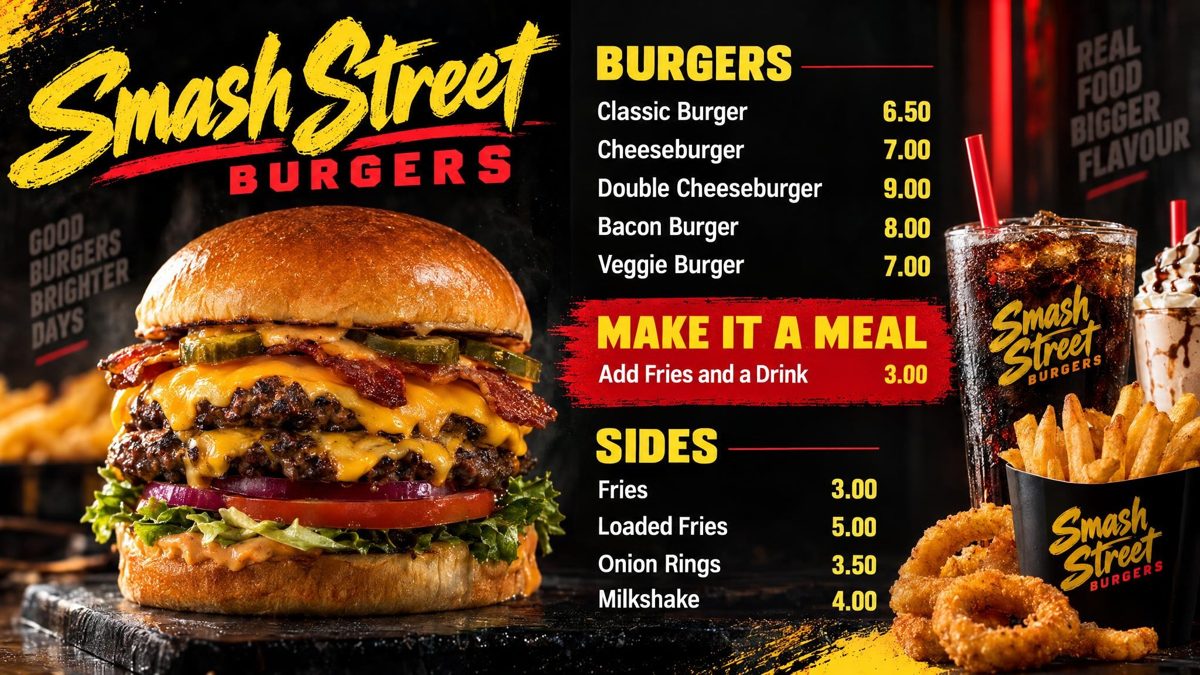
You are the designer. You say what you want in your own words: the colours, your name across the top, what goes where. AI designs the finished board in about a minute. Not quite right? Say what to change and it is drawn again. There is no design software to learn, and nobody else trying to guess what is in your head.
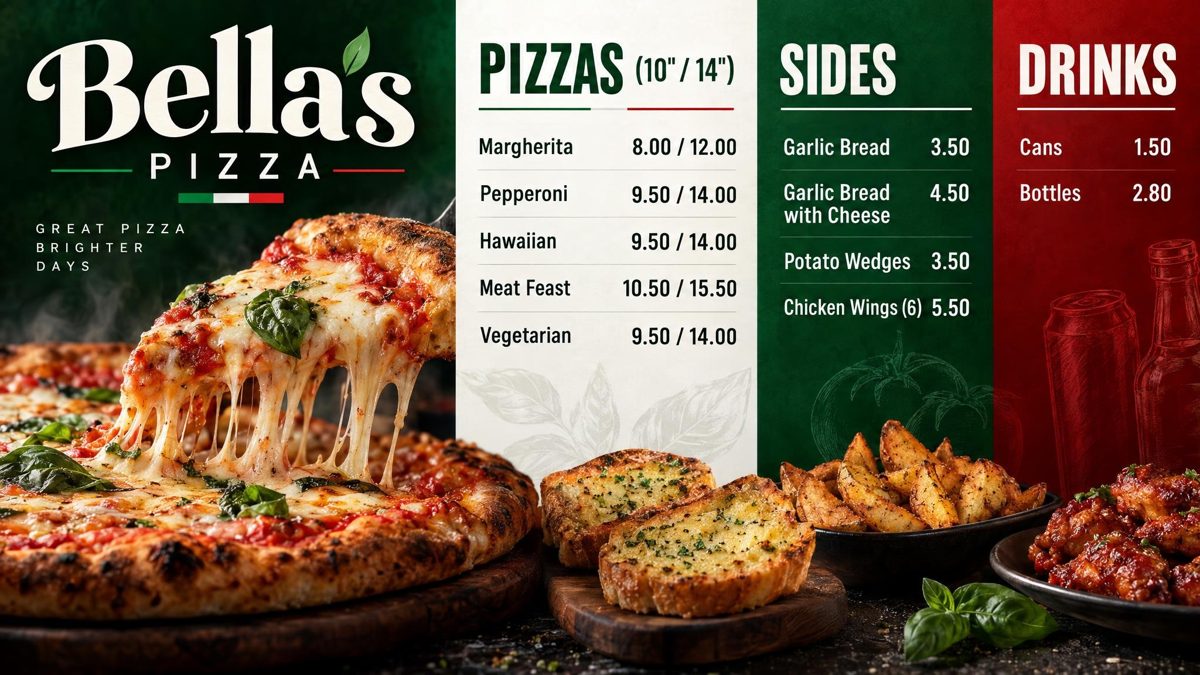
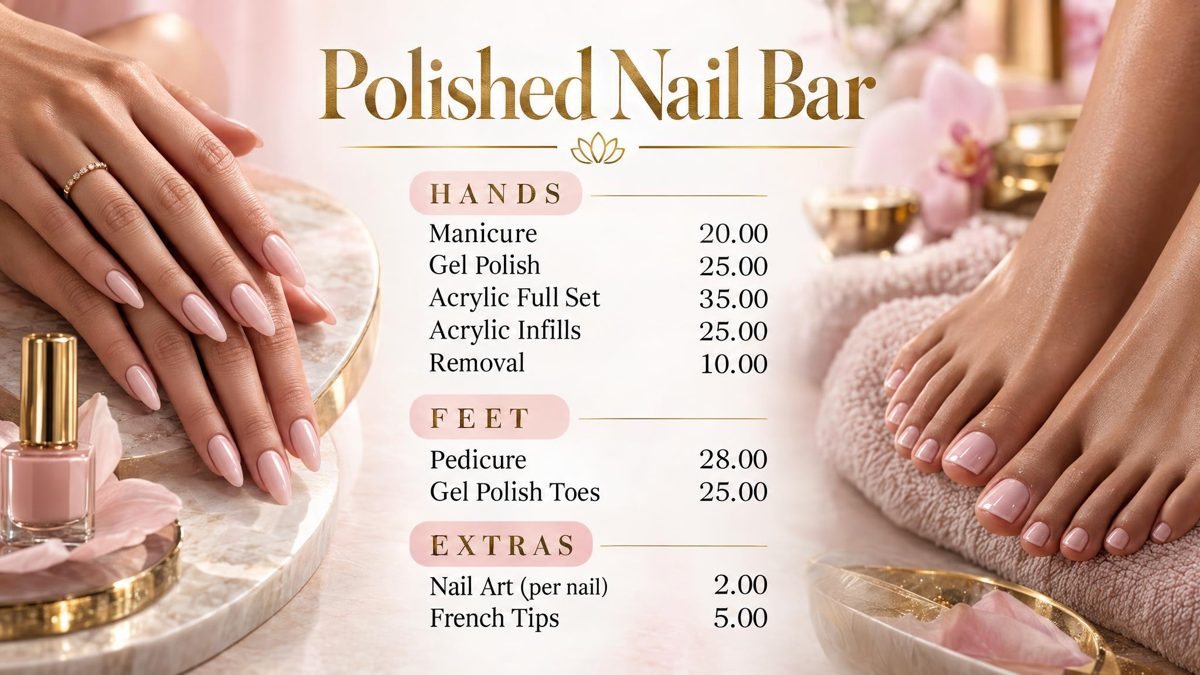
Drawn by Counterboard AI from a few words and a price list, and shown exactly as they came back. Try it with your own menu on the front page: it is free and takes about 80 seconds.
What it costs
One screen
Canva
Free to start; some templates, pictures and features need a paid Canva plan. Showing on a TV is a USB stick, or a separate signage subscription on top. Your time: the design and every change.
Counterboard
One screen free, for as long as you like, with a small counterboard.com band on the board, and no card. Without the band £14 a month for one screen, and £7 for each screen after it. A price change is one credit (£1), a whole new board three. Nothing to design, nothing to copy.
Both
Any TV you already own. A smart TV needs nothing; an older TV takes a £30 Fire TV Stick.
What it costs
Priced by how many screens you put up
One screen free, for as long as you like, with a small counterboard.com band on the board, and no card. Without the band, so much a screen: £14 a month for one screen, and £7 for each screen after it. No VAT charged. The price list on the front page shows it in dollars and euros too.
Every screen gets the same dashboard and the same boards; what changes with the price is how many TVs you put up and how many credits come with them. Each TV gets a board drawn for it, free. After that everything we draw is credits, and a credit is a pound: a price change is one, a new look or an item added, taken off or renamed is two, a whole new board is three. A paid plan includes credits every month, and they start again on the 1st; more can be bought inside Counterboard, ten for £9 or more in a bigger pack, with no change to your plan. No contract: cancel any time.
Questions
What people ask
Can I put a Canva menu on my TV?
Yes: download it as a picture or an MP4 video, copy it to a USB stick and play it on the TV, or use a digital signage service that shows Canva designs. Every change means doing it again.
Is Counterboard a Canva alternative?
For a menu board on a TV, yes: it designs the board for you and keeps it on the screen. For posters and social media, Canva does far more, and many shops use both.
Can I use my Canva design with Counterboard?
Yes. Upload the finished picture and it goes on your TV as it is, or photograph it and say what to keep, and a new board is drawn in that style.
Which is cheaper?
For one screen both can be free. The difference is the hours: with Canva the design and every price change are yours to do; with Counterboard you say what you want and it is done.
More guides
Other questions shop owners ask
How to put your menu on a TVFire TV Stick menu board: how to set one upHow to change the prices on your TV menu from your phoneA price list on a TV for your salon, barber or nail barA digital menu board without a designer: what each way costsHow to make a digital menu board for freeA free QR code menu for your takeaway or cafeTakeaway menu board ideas that sell moreCounterboard or Yodeck for a menu board?
Counterboard is for any business with prices on a wall, in any country. See how it works.