A digital menu board for free
You can put a menu on a TV without spending anything, and plenty of shops do. The screen is the easy part. What costs you is the design, and the time it takes every time a price changes. Here are the free ways that work, honestly, and what each one asks of you.
One screen free, no card. Works on any TV with a web browser, or any TV with an HDMI socket and a streaming stick.

The free ways
Three ways that cost nothing to start
A picture on a USB stick
Make a picture of your menu, put it on a USB stick and plug it into the TV. Most TVs will show it from their media player. It is free, but every price change means making the picture again and walking the stick back to the TV, and many TVs fall asleep or show their own menus over it after a while.
A free design website, in the TV's browser
Design the board on a free website, publish it, and open it in the TV's browser. It costs nothing, but you are the designer: choosing a template, dragging boxes, matching fonts. Expect an evening for the first board, and some of every week after.
Say what you want, and it is drawn for you, free
On the Counterboard front page, type what you sell with the prices and say how it should look. The finished board is drawn in about 80 seconds, with no password and no card. One free board a day from each address.
Why the third one
You stay the designer, without the design work
You are the designer. You say what you want in your own words: the colours, your name across the top, what goes where. AI designs the finished board in about a minute. Not quite right? Say what to change and it is drawn again. There is no design software to learn, and nobody else trying to guess what is in your head.
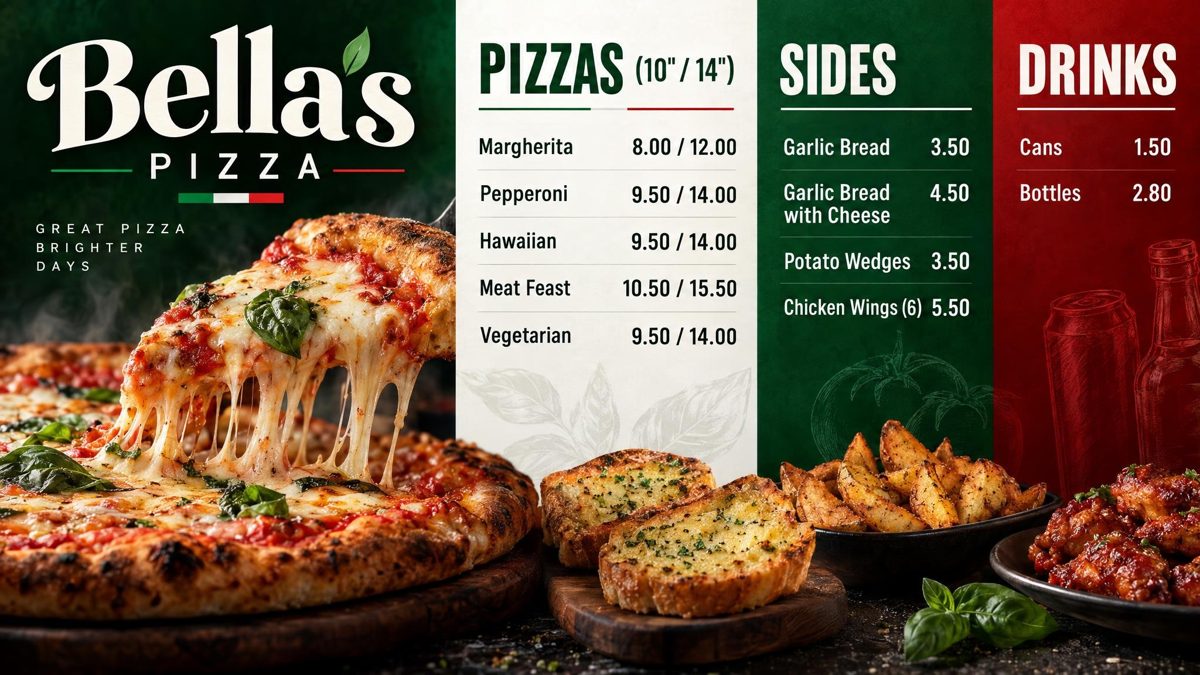
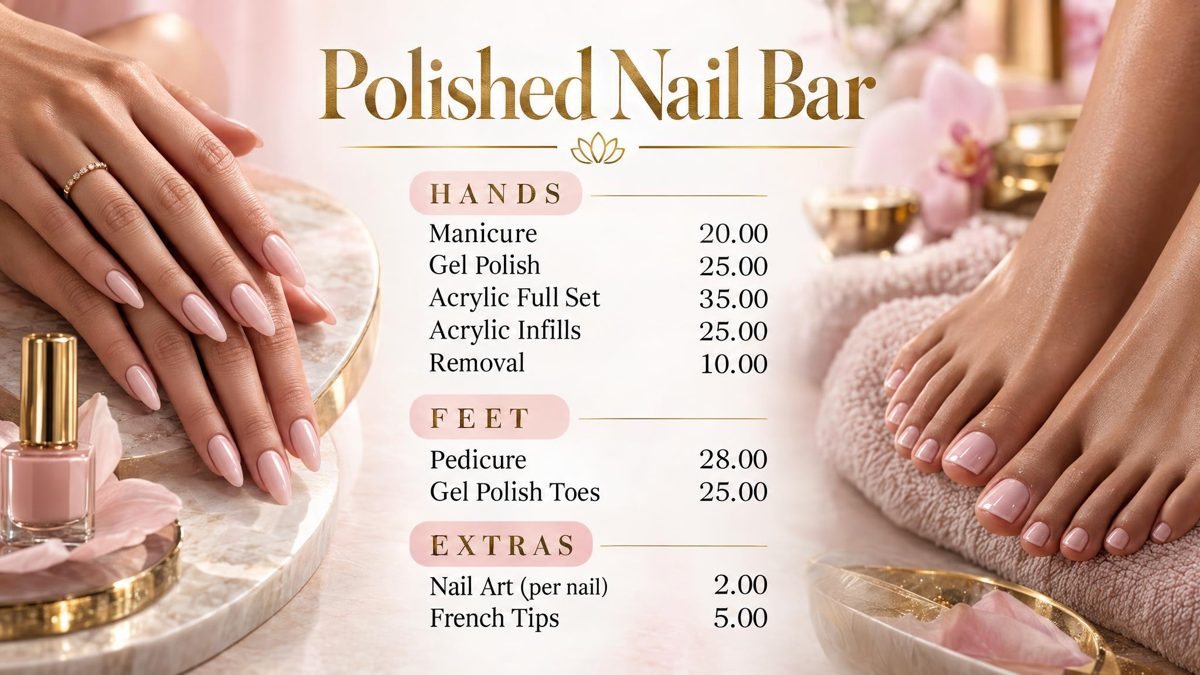
Example boards, drawn by Counterboard AI from a few words and a price list. The shops on them are made up.
Then the TV
Putting the free board on your screen
- Draw the boardUse the free draw on the front page. Not quite right? Say what to change.
- Keep itKeep it in your own account: one screen free, no card.
- Open counterboard.com/tv on the TVType the six letters it shows into Your TVs on your phone, and the board is on the wall. On a Fire TV Stick, search the store for counterboard instead.
One screen is free for good; more are priced by how many you put up. A price change is typed on your phone and on the TV in seconds. The full steps for every kind of TV are in how to put your menu on a TV.
What it costs
Priced by how many screens you put up
One screen free, for as long as you like, with a small counterboard.com band on the board, and no card. Without the band, so much a screen: £14 a month for one screen, and £7 for each screen after it. No VAT charged. The price list on the front page shows it in dollars and euros too.
Every screen gets the same dashboard and the same boards; what changes with the price is how many TVs you put up and how many credits come with them. Each TV gets a board drawn for it, free. After that everything we draw is credits, and a credit is a pound: a price change is one, a new look or an item added, taken off or renamed is two, a whole new board is three. A paid plan includes credits every month, and they start again on the 1st; more can be bought inside Counterboard, ten for £9 or more in a bigger pack, with no change to your plan. No contract: cancel any time.
Questions
What people ask
Is it really free?
Drawing a board on the front page is free, with no password and no card: one a day from each address. Showing it on one TV is free for as long as you like; a second screen is priced by the number of screens.
Can I turn my TV into digital signage for free?
Yes. Any smart TV can show a picture from a USB stick or a page in its browser. What a paid service adds is changing it from your phone and the screen coming back on by itself.
What is the easiest free way?
Saying what you want and having the board drawn for you, because there is nothing to design. Try it on the front page with your own menu.
Do I need a special screen?
No. Any TV with a browser works, and any TV with an HDMI socket can be given one with a Fire TV Stick.
More guides
Other questions shop owners ask
How to put your menu on a TVFire TV Stick menu board: how to set one upHow to change the prices on your TV menu from your phoneA price list on a TV for your salon, barber or nail barA digital menu board without a designer: what each way costsCounterboard or Yodeck for a menu board?
Counterboard is for any business with prices on a wall, in any country. See how it works.